Product
Everything you can do with an FCS file, in one desktop app.
FCS Editor combines a metadata editor, a histogram tool, a scatter-plot event editor and hierarchical gating. Each section below explains what it solves, how it works and what you get.
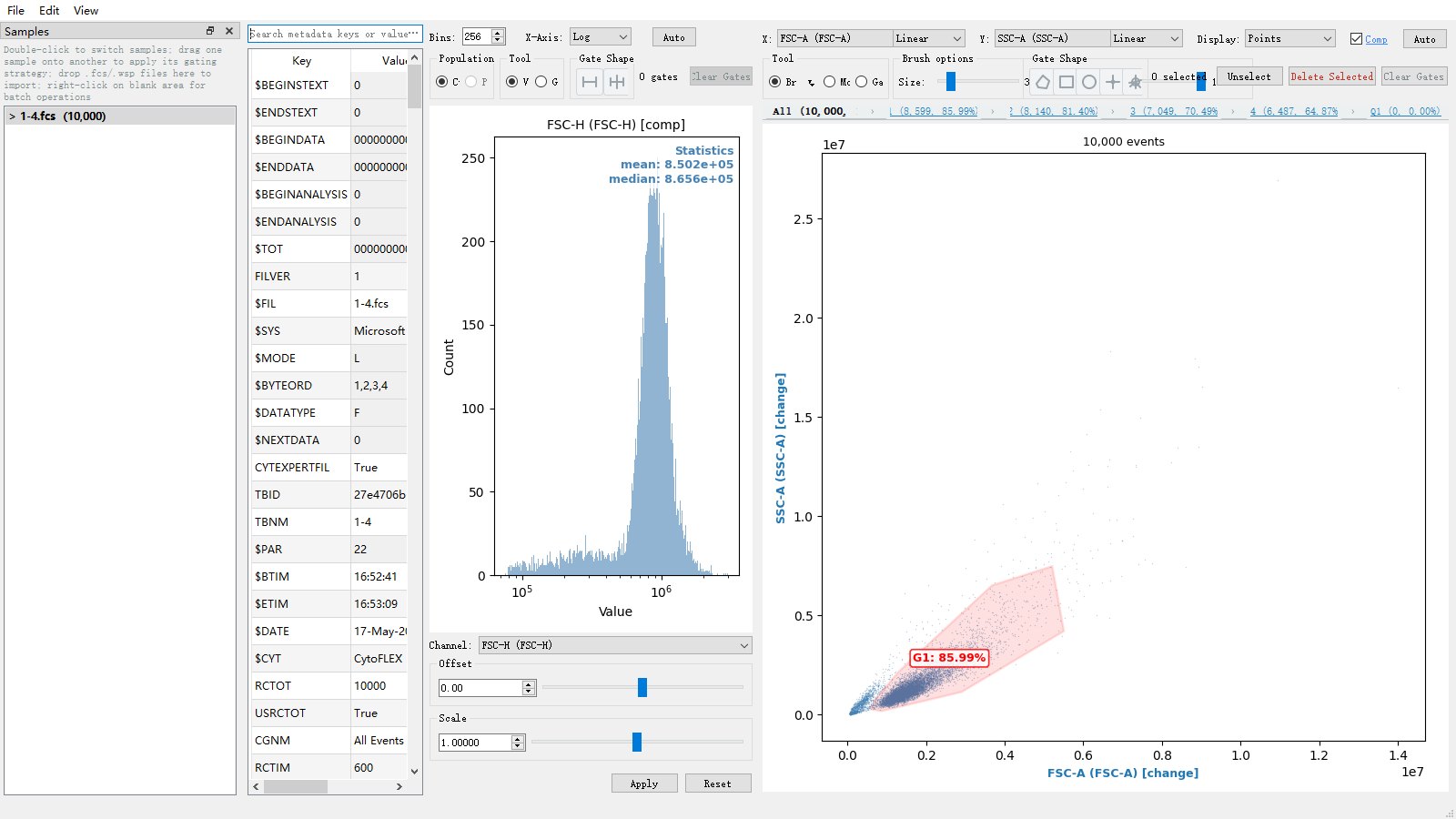
Metadata & channels
Read and correct the file’s own description.
When a keyword, channel name or compensation value is wrong, every downstream tool inherits the error. FCS Editor shows the full TEXT segment and lets you fix it at the source.
- Searchable keyword table. Filter by key or value and edit in place.
- Channel shift and scale. Move or rescale one channel and watch the histogram update before you apply.
- Add or delete channels. New fluorescence channels follow the file’s -A/-H/-W layout; several channels can be deleted at once.
- Compensation editor. Edit the $SPILLOVER matrix with live preview; plots can be shown compensated or raw.
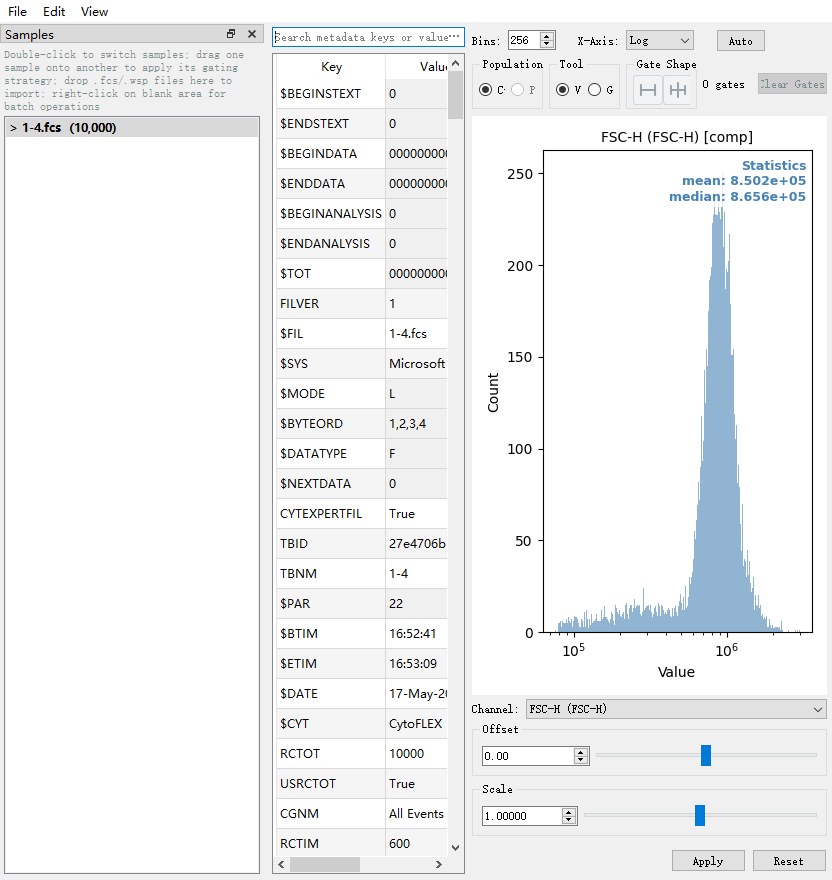
Event editing
Change events where you can see them.
Select events in the scatter plot and edit them directly. The histogram and event counts follow every change.
- Brush, move, transform. Brush-select events, then drag, scale or rotate the selection with handles.
- Delete selected events from a working copy, with confirmation.
- Compensation-aware. With compensation on, edits happen in compensated space and are written back to every affected channel.
- Correlation protection. When you edit a -A channel, its paired -H channel is adjusted to keep their relationship.
- Axes for real data. Linear, Log, Logicle and Biex scales, with wheel zoom and Ctrl-drag pan.
- Undo and reset. Up to 20 undo steps, plus a full reset to the file as opened.
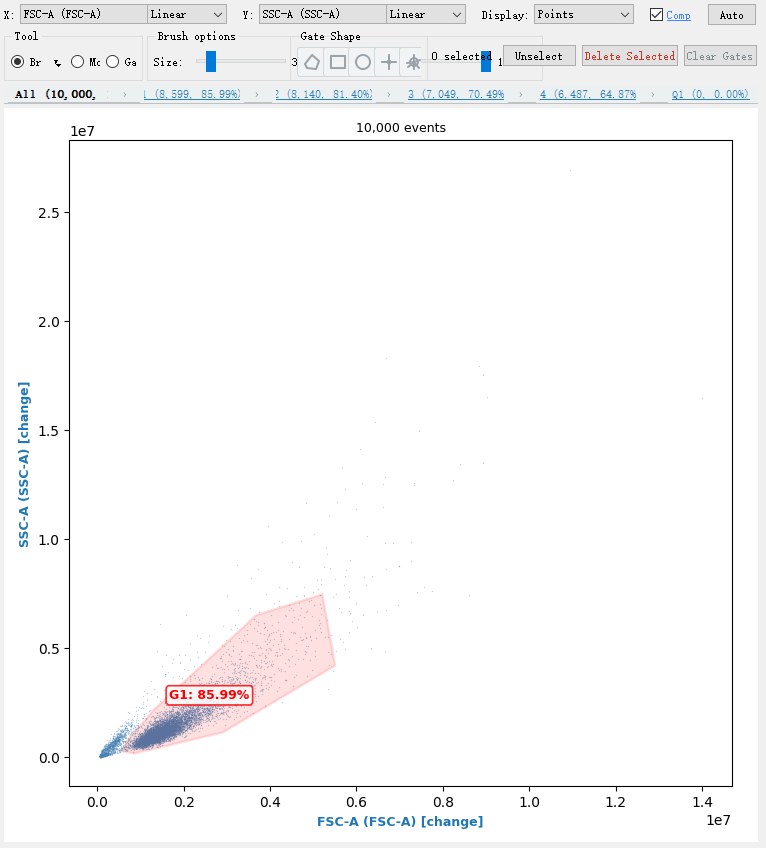
Gating & samples
Nested gates that travel between samples.
Build a gating hierarchy once and apply it to the rest of the experiment, or start from an existing FlowJo workspace.
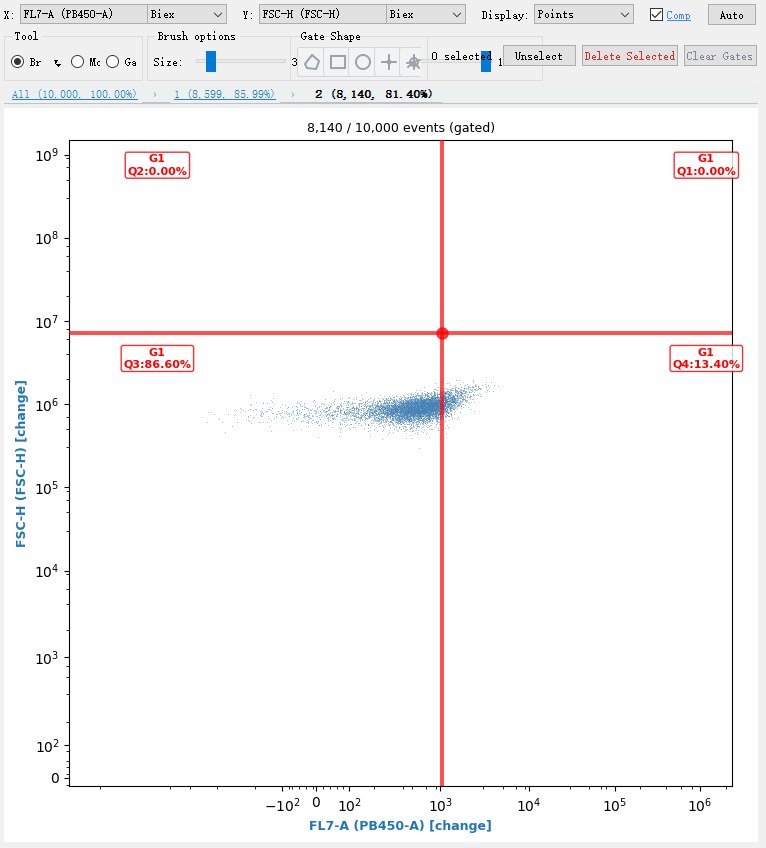
- Five gate shapes: polygon, rectangle, ellipse, quadrant and spider, each resizable and movable.
- Drill in and out. Double-click a gate to work inside it; the breadcrumb shows each level’s count and percentage.
- Several samples at once. Open many files, drag a strategy from one sample onto another, or apply it to all.
- Save and load strategies as files, matched by channel name.
- FlowJo import. Read gates and compensation from .wsp workspaces.
Saving & compatibility
Output that other software still reads.
- File versions
- FCS 2.0, 3.0 and 3.1
- Data layout
- Original data type ($DATATYPE), byte order and segment layout are preserved on save
- Vendor files
- CytExpert / CytoFLEX exports keep their vendor-specific structure
- Workspaces
- FlowJo .wsp: gates and compensation import
- File times
- Original created and modified times are restored after saving (Windows)
- Batch output
- Save all samples, or Save All As to write a separate _bak copy of each
Limits
What FCS Editor is not.
Not a web service
It is Windows desktop software. Files are processed locally and never uploaded to this site.
Not new measurements
Edited or generated events are not additional acquisitions. Label them, keep the original, and judge whether an edit suits your purpose.
Not offline
Every launch needs internet, with a license check every five minutes. One license covers one computer.
Want to see a specific feature?
Demos are grouped by task. Pricing shows exactly what each plan includes.